PDA

View Full Version : Homemade Textures Will Not Show Up On Screen


Kine
April 28th, 2009, 21:59
I recently discovered these hires textures for N64 games a few days ago. I was quickly convinced that I wanted to make some textures of my own. I had never used Photoshop, so I started off with the opening scene to Conkers Bad Fur Day to get some practice.

I dumped the textures using Rice’s 6.11 plugin because Napalm 1.2 didn't have the option and I plan on using Napalm to run conkers (It works best for me, and all of Rice's and Mudlords make the character turn to the left in multiplayer). There is a hires option in Glide and I know it is loading them (Rice loads them as well), but the textures I made from the dumps (maintained proper name, Used 8x size ratio, proper placement, etc.) will not load on PJ64 or 1964.

Does anyone know why these textures fail show up on screen even though the emulator shows them initially loading? I've searched many places but I can't find an solution. Help is appreciated.

Below Are Links, I can't attach them for some reason.
http://www.megaupload.com/?d=EABYNS5Thttp://www.mediafire.com/file/k2qzmmqtgzm/Conker Textures.rar

tonloc89
April 29th, 2009, 04:57
Your textures are loading for me and I'm not noticing any problems with multiplayer either. Try using mudlord's rice video plugin version 1.6.4 you can get it here http://www.mediafire.com/download.php?mmindntzczn

Gonetz
April 29th, 2009, 09:01
I dumped the textures using Rice’s 6.11 plugin because Napalm 1.2 didn't have the option
Strange, but “Texture editing mode” option is really missing in Napalm 1.2
I've fixed it. Please download updated version:

Napalm 1.2.2 (http://glide64.emuxhaven.net/files/Glide64_Napalm_PR1_2_2.zip)

Kine
April 29th, 2009, 23:16
Thanks guys, Im gonna go with the Napalm plugin, no sign of the turning problem with it, and the textures load. :) Now, time for more texturing, I'll update when I have some real textures finished.
X-Fi6
April 30th, 2009, 01:10
And also, whenever dumping textures with Rice, always make sure you leave Full TMEM Emulation ON.

But now that the Texture editing mode is back in, generally you should stick with Glide64 instead of Rice Video.

Kine
May 2nd, 2009, 20:46
For some reason I can't get Glide to display all the textures, and Rice will not display them all either. Rice will display some that Glide won't and Vice Versa. Any siggestions are helpful, the files can be found at http://www.mediafire.com/download.php?gzdyjintztd. They are only for the opening chainsaw scene, and for Colours on multiplayer.

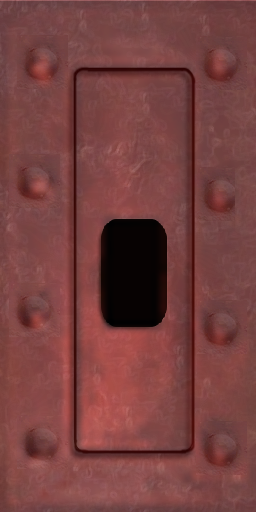
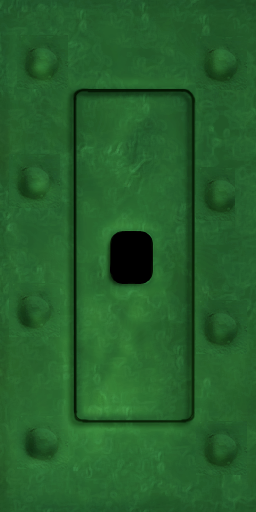
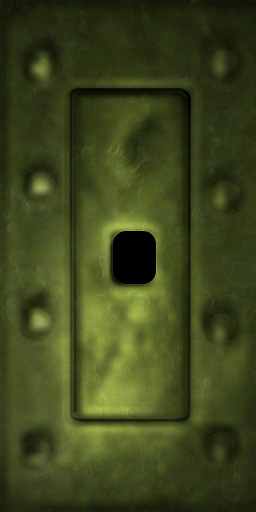
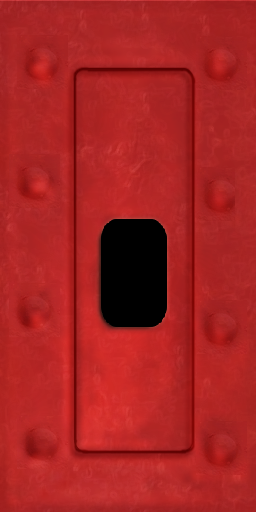
Also I need some help, I can't decide which of the following I should use , these are the flag holes in colours multiplayer, which one do you think would be best? Or should I just merge all three?

http://i241.photobucket.com/albums/ff216/polkapower/FlagHoleRed2.pnghttp://i241.photobucket.com/albums/ff216/polkapower/FlagHoleRed1.pnghttp://i241.photobucket.com/albums/ff216/polkapower/CONKERBFD1F02DBCA21ECB68DFD_ciByRGB.png

http://i241.photobucket.com/albums/ff216/polkapower/FlagHoleGreen2.pnghttp://i241.photobucket.com/albums/ff216/polkapower/FlagHoleGreen1.pnghttp://i241.photobucket.com/albums/ff216/polkapower/CONKERBFD1EA67B83214B1DC503_ciByRGB.png

mode7
May 3rd, 2009, 00:19
good work - the second ones are good - try to use lighting effects and the color match to get a more faithful result.

http://img154.imageshack.us/img154/7752/textuzre.th.jpg (http://img154.imageshack.us/my.php?image=textuzre.jpg)

Kine
May 3rd, 2009, 03:20
Hey, thanks, I never knew there was a match colour feature, as I said I'm new, it's a great tool. Also, how did you get the texture of your photo so... pronounced, it kind of looks like the plastic wrap filter, but I dont think it is. The lighting seems to be a bit trickey for me rite now, I'll have to watch a turorial some time.

http://i241.photobucket.com/albums/ff216/polkapower/CONKERBFD1EA67B83214B1DC503_ciBy-1.png

mode7
May 3rd, 2009, 09:37
I used lighting effects for mine.
Render - Lighting effects - used a omni light and the red channel fot texture - you could even paint an extra texture channel and get the pins right.

Normally these effects are a bad choice for tiling textures but here it works pretty well.

Kine
May 10th, 2009, 07:01
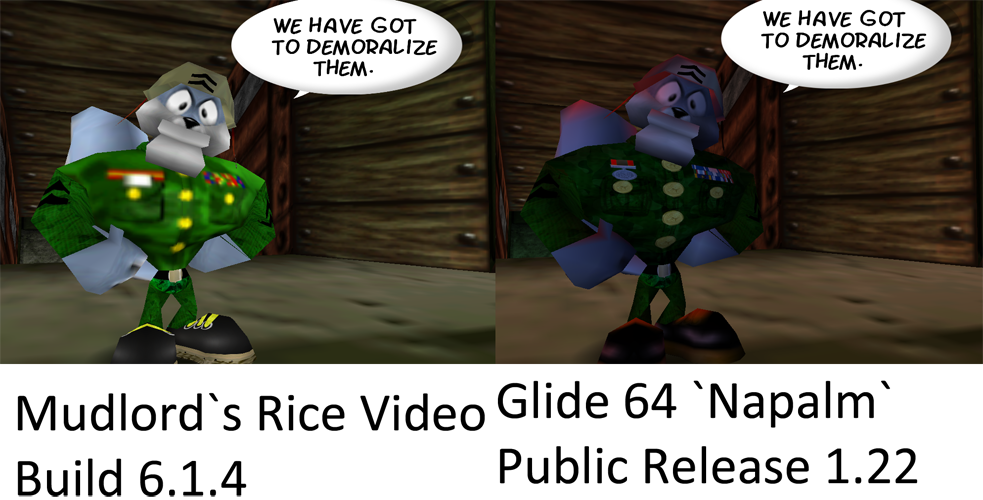
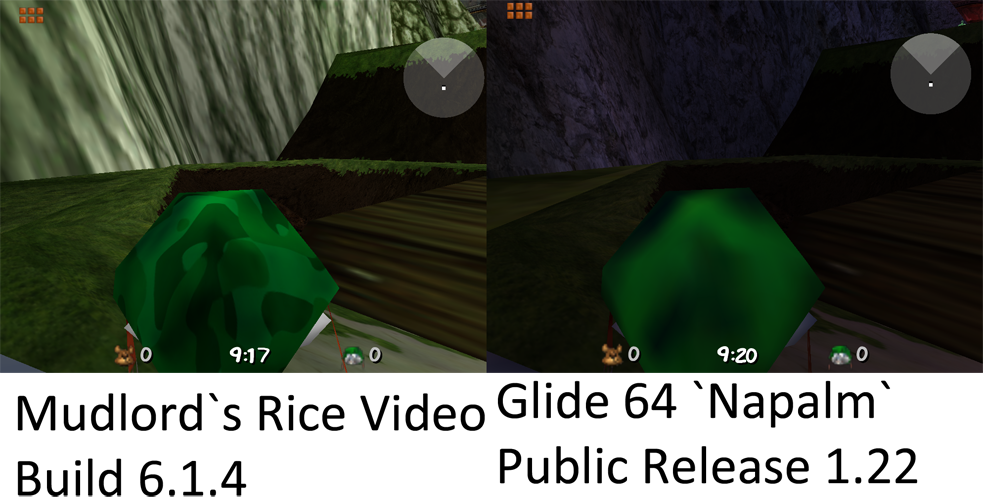
I cannot get all the textures from one pack to display with one single plugin, see below. Why is this, are there any soutions?

http://i241.photobucket.com/albums/ff216/polkapower/TextureDisplay.png

http://i241.photobucket.com/albums/ff216/polkapower/TextureDisplay2.png