Page 2 of 29 FirstFirst 123412 ... LastLast
Results 11 to 20 of 284
  1. #11
    EmuTalk Member
    Join Date
    Aug 2006
    Posts
    29
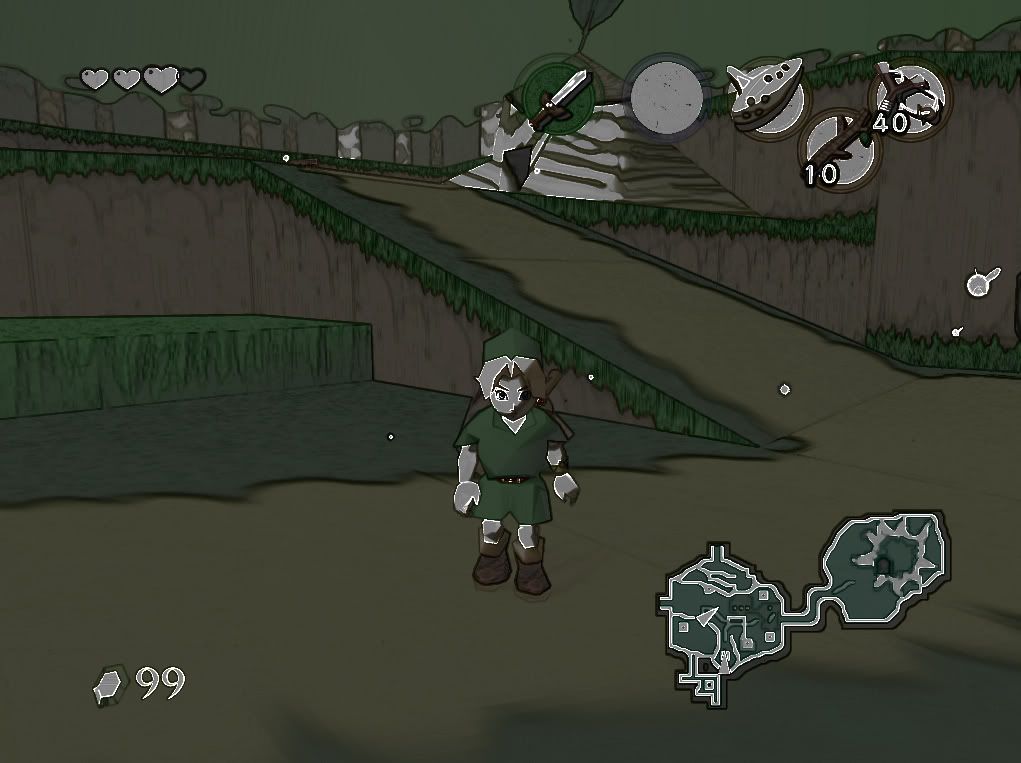
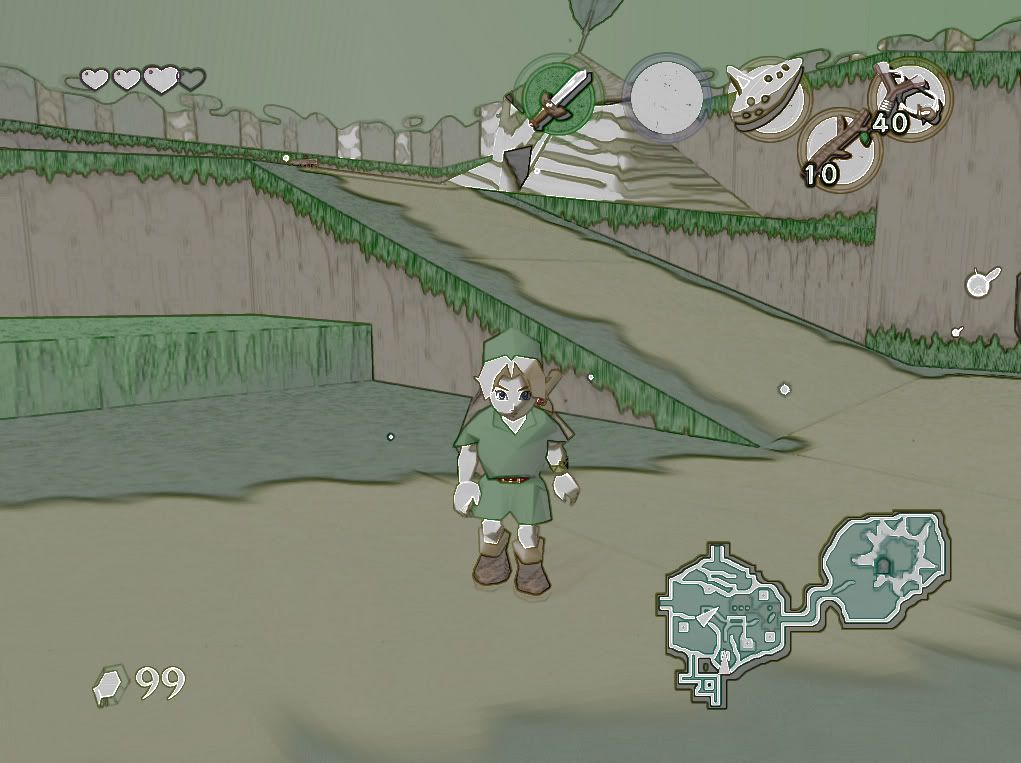
    Mudlord if you look at the (cel) fx file you'll see that this shader is totally ghetto rigged there is allot of useless junk in there like the bright pass and bloom code which can be deleted, I kind of just whipped this up quick. The edge detect shader isn't that great ether I modified it the best I could but other shader passes don't like to work with it. I've been Looking for a better edge detect shader for while now and haven't had much luck. As far as the source code go's modifying and rebuilding it has also been tricky. The current DLL only seems to support two passes and seems to have a hard time using long assembly passes.
    I notice for me at least that this shader runs Mario with just a black and white edge detect effect, so some games handle the effect differently.

    Also this might interest you, I have nothing to do with it but its a very nice Bloom effect for opengl. It works in opengl mode but there are a few problems you might want to check it out http://www.madabouthats.org/projects/cgshader

    Last edited by cdiddy7; February 21st, 2008 at 21:25.


    • Advertising

      advertising
      EmuTalk.net
      has no influence
      on the ads that
      are displayed


  2. #12
    Thanks for the link.

    I have been having severe troubles getting your mod to work at all, and even Timeslip's sources, even though my hardware supports Shader Model 4.0..

    Anyway's if anyone could get this DLL to work, I would love to hear it.

  3. #13
    EmuTalk Member
    Join Date
    Aug 2006
    Posts
    29
    That DLL looks like the simple black&white shader if it is, it only works for oblivion and has very limited functionality.

    The DLL I posted should work for zelda oot using project64 1.7 (and probably 1.6) and ver. 6.1.3 of your plugin. and I also have a DirectX10 card, 8800GTS. I'll look closer at the dll you posted and see if i can do anything with it.

  4. #14
    The DLL I posted should work for zelda oot using project64 1.7
    Thanks for the tip...I'll get 1.7 from the pj64-emu.com beta section then and try it out...

  5. #15
    That DLL looks like the simple black&white shader if it is, it only works for oblivion and has very limited functionality.
    Main thing, was I removed the checks for Oblivion, so it could have the potential of working on other DX9 apps...

    My main objective is to whip up something that allows for different shader effects, like nightvision, B/W, sepia and other things......So far, its not going well, since I can't get your original mod to work. Though, once I get it working well, I might then be able to test out the DLL more thoroughly and add more shaders...

  6. #16
    And confirmed. Shaders in 1.7 work fine, with your mod...

  7. #17
    EmuTalk Member
    Join Date
    Aug 2006
    Posts
    29
    You should look into the Standard version at the top of Timeslips page http://timeslip.chorrol.com/FakeHDRDownload.html and see if you can get that up and working it should give you more room to work with if you can.

  8. #18
    The current DLL only seems to support two passes and seems to have a hard time using long assembly passes.
    I looked, and it seemed like it just supported Oblivion, as it uses a binary patcher to patch a specific offset so it enforces use of that DLL. It would be possible just to make the DLL hook the Project64 process, but then thats restricting things...

    In other news, I fixed the multiple passes issue. The HDR shader now works great . So, shaders with more than 2 passes should theorectically work, but I haven't checked.

  9. #19
    The edge detect shader isn't that great ether I modified it the best I could but other shader passes don't like to work with it. I've been Looking for a better edge detect shader for while now and haven't had much luck.
    Tried using a Sobel edge detection shader?

  10. #20

Page 2 of 29 FirstFirst 123412 ... LastLast

Tags for this Thread

Posting Permissions

  • You may not post new threads
  • You may not post replies
  • You may not post attachments
  • You may not edit your posts
  •