
You are using an out of date browser. It may not display this or other websites correctly.
You should upgrade or use an alternative browser.
You should upgrade or use an alternative browser.
i need a new video card
- Thread starter yegosimo
- Start date

try to get at least a 128mb card
i have a Nvidia asylum 256mb card in my rig
it cost me just $70 and works great
all my n64 emu supported games work fine
i have a Nvidia asylum 256mb card in my rig
it cost me just $70 and works great
all my n64 emu supported games work fine

apg are dark and long
pci are light and short
pci are light and short
OP

yegosimo
Bug Killer
- Thread Starter
- #6
ok .. ive been looking for that agp thing n all what i found is like my motherboard or whatever probably has one agp that supports 4X
still im not pretty sure... here are some pics of my motherboard to see if u guys can help me out.. i dont know much of this.
[by the way, i'd like to get a 256 mb video card]
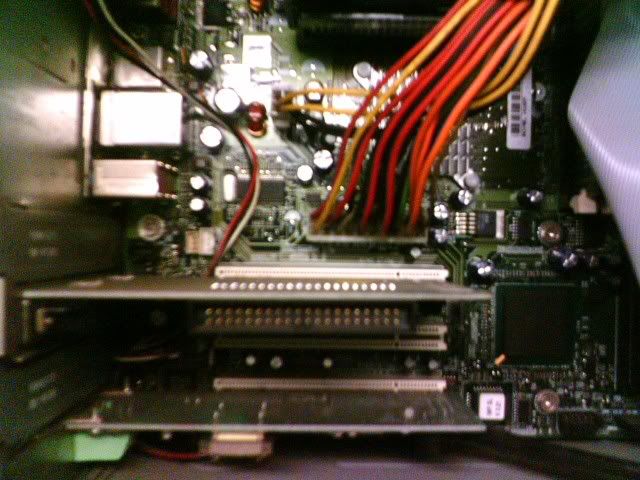
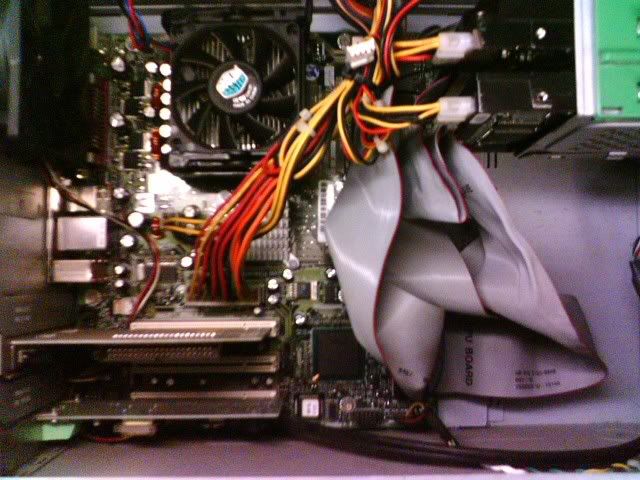
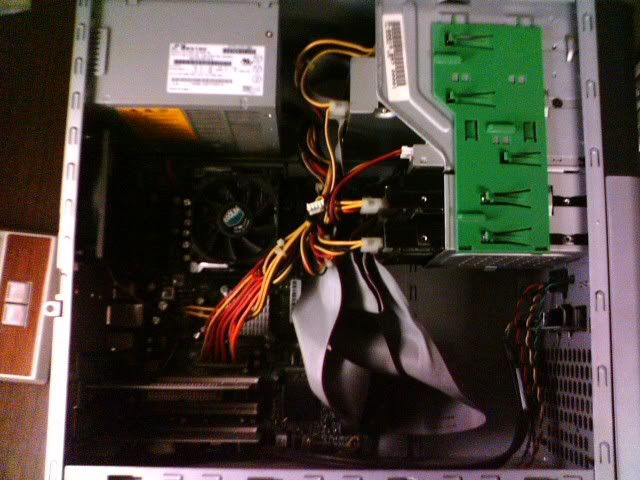
i'd really appreciate the help:bouncy:
still im not pretty sure... here are some pics of my motherboard to see if u guys can help me out.. i dont know much of this.
[by the way, i'd like to get a 256 mb video card]
i'd really appreciate the help:bouncy:
TerraPhantm
New member
It looks like your computer doesn't have an AGP port.
TerraPhantm
New member
Yea I'm pretty sure.

In the above pic, the brown slot would be the AGP slot.
In the above pic, the brown slot would be the AGP slot.

Doomulation
?????????????????????????
The size of the memory on the card has nothing to do with the speed of the care, nor its type. That's just plain nonsense. The memory is used to store information needed by the card to render and perform the graphics. Memory memory means that the card can handle higher resolution textures, for example. Or more textures at the same time, and so on. It does not matter what the speed of the card is nor the quality, nor if it is a Geforce FX card or a Geforce 6600.
TerraPhantm
New member
Actually arnalion is right, the cores on lowend cards are way too slow to handle too many/too large textures, so the extra RMA is useless. Cards that are slower then the X800s and 6800s don't have much use for 256mb of ram
Doomulation
?????????????????????????
RAM is RAM. The game might just store a lot of textures in there and save for later use (IE: less loading times?).
Doomulation
?????????????????????????
Perhaps, but as I stated, RAM is RAM. It all depends on how the software is written. I remember jabo's plugin tried to store as much as it could in the video card memory AFAIK and tries to clear it out when it was getting maximized, so there you have it...
More memory is a good thing to have.
More memory is a good thing to have.

arnalion
Nintendo Fan
No
The slow card with lack of gpu powa can't send all that data that's needed to "fill" the ram.
Plus if it gets more ram is it harder to keep the same clock frequencies, low-end cards with much memory usually have lower clocks on it (= slower). It's the same thing when you overclock a computer. It's harder to overclock if it got many memory modules. So if it's a low-end card can't it use ex 256MB ram.
The slow card with lack of gpu powa can't send all that data that's needed to "fill" the ram.
Plus if it gets more ram is it harder to keep the same clock frequencies, low-end cards with much memory usually have lower clocks on it (= slower). It's the same thing when you overclock a computer. It's harder to overclock if it got many memory modules. So if it's a low-end card can't it use ex 256MB ram.


Jaz
Ex-Mod
blizz said:Instead of arguing like two girls in a playground perhaps link to an article from an authoritive website to support your position?
LOL
Nice work.
