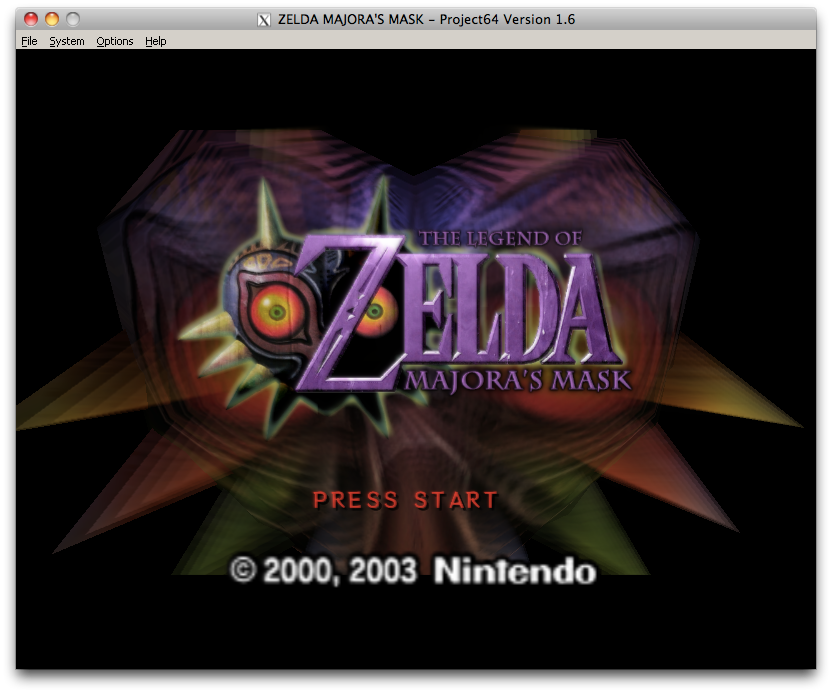
@Bluedart, all the "GC Version rom" is the game cube verion of the game![]()
If you appreciate some of the work I do, all donations are greatly appreciated
If Image doesn't work, try http://bit.ly/QQVaSq
Also check out my new emulation archiving project at emulationking.com , an awful lot of work to go still
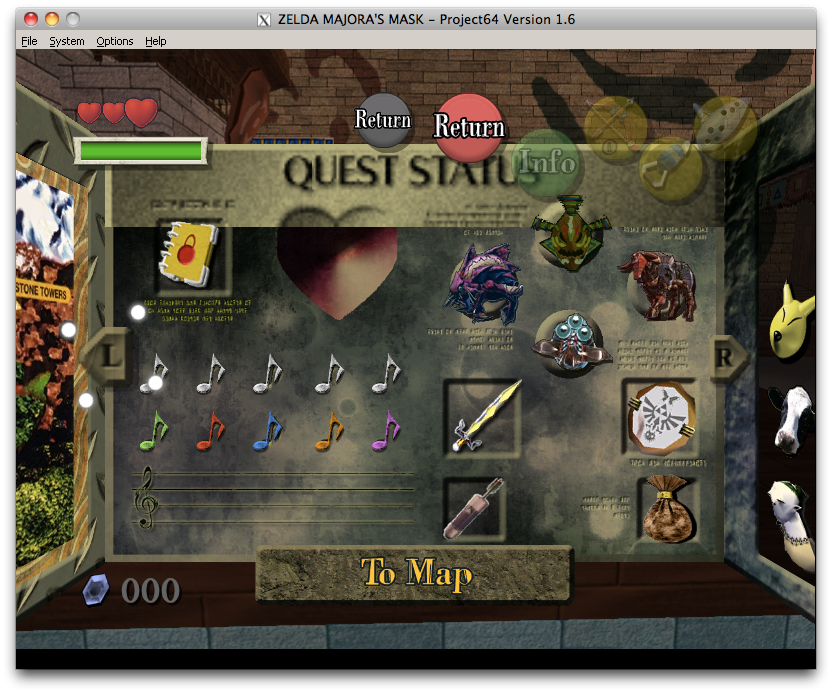
Sorry, I thought you supported the GC version too since the changed colors appear with hi-res textures. For example, the GC version has the A button green and the B button red. The text icons (arrows, etc.) are also green to match the Cube controller's green A button, as opposed to the 64's blue one.
I'm surprised you didn't know this version of the game existed. It was included in the Zelda Collector's Edition disc.
I actually have that disc lying around my house; I remember that was the first time I got to play Majora's Mask. It was a shame that it crashed occasionally when I played it for more than a few hours at a time without saving. Hopefully that hasn't carried over into the rom. I'm surprised that someone managed to extract a 64 rom out of there though. If you'd like you can post some screenshots of what doesn't work and I'll take a look at them. If it's just a simple adaptation it might not take too long to fix.
Sure, here you go:
As far as I'm aware, this version of the game is exactly the same, minus a few bugs and the color changes (possibly some minor texture changes). Many people (myself included) encountered the freezing issue of the Collector's Edition because the game isn't properly emulated on the GC. With an emulator like Project64, compatibility should be just about the same as the original rom.
As for which textures don't load properly, I haven't played the GC one thoroughly enough to see if there are others besides these two screenshots, but from what I did see most of the textures load normally.
hi bluedart, ive been using ur hi res texture and i think it look awesome, very good work. but if im using usa rom majora mask its always blinking everywhere in the game, ive tried using the europe rom majora mask and its working normal without blinking problem. do u know how to fix the problem becoz i wanna play the usa rom version for its ntsc 60 fps.
Download! This is really amazing stuff
Hey bluedart, I really admire your work and this looks amazing, but I'm having some real problems trying to run this. I'm using the latest version of Glide64 and I've been messing with the configuration a lot. I have all of the texture files in the right place as well. Problem is I can't seem to get it to run all of the textures, leaving me with only the game textures loading while the the start menu and the title screen are still the n64 version. It seems like the map screen loads slightly, but that's all. This is rather annoying as you can imagine.
Does anyone have any advice about the proper Glide 64 settings or insight as to why this might be happening?
-edit-
It seems that i fixed the problem of the start menu and title screen, however, the buttons on the HUD ( A button, B button, and the C buttons) don't look right. They are kindof puzzley looking, im not quite sure how to explain it. It Also seems that water is completely clear for me, which turns out to be very confusing lol.
any ideas?

Last edited by SteakMan; September 22nd, 2010 at 02:47. Reason: fixed?
Pics look amazing. Can't wait to try it out. Are the djipi and mdta textures included in the latest megaupload link?
SteakMan, try using Glide Napalm 1.22. I've had some issues myself using Napalm WX, but with 1.22 it works perfectly. However, I use OS X and am running Project64 in Wine, so it's certainly possible that there are other factors at work. You may want to try it anyway, though.
Make sure "alternative CRC calculation" is off for best compatibility. Also, you can make the water appear correctly by enabling "use alpha channel fully."
Never mind. I fixed my problems, everything works fine. Great JOB!
Last edited by p3rfect; October 2nd, 2010 at 09:48.